

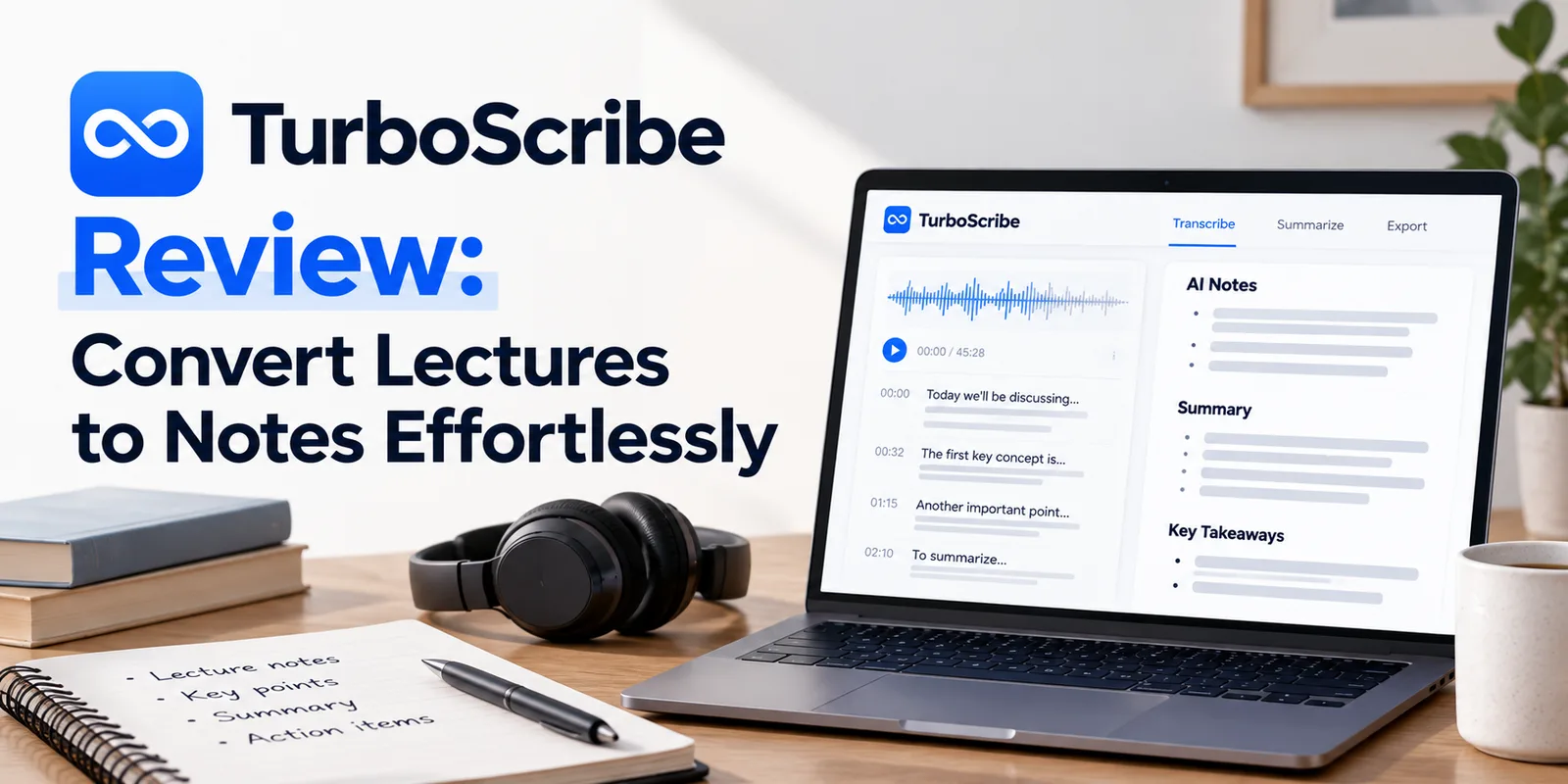
"Discover how TurboScribe can help you convert lectures and interviews into accurate text. A must-read for Indian students and job seekers."
In the fast-paced academic and professional landscape of India, the ability to process information quickly is a significant competitive advantage. Whether you are a student attending a complex university webinar or a job seeker transcribing interview clips to prepare for your next career move, manual transcription is often a bottleneck. This is where TurboScribe enters the picture. As an AI-powered transcription tool, it simplifies the conversion of audio and video files into readable text. For students and professionals, this means spending less time typing and more time analyzing core concepts.
TurboScribe leverages advanced machine learning to handle various accents and languages, making it a versatile tool for the Indian market. By automating the tedious process of transcription, it allows you to focus on learning and skill acquisition, which you can further enhance through our curated online courses. In this review, we explore the features, usability, and overall value of TurboScribe for your daily productivity needs.
The primary appeal of TurboScribe lies in its simplicity and accuracy. When you upload a file, the platform processes the audio, identifying speakers and converting speech into text with high precision. This is particularly useful for long-form content like lecture series or panel discussions that would take hours to transcribe manually. The interface is clean and intuitive, ensuring that even those who are not tech-savvy can navigate the tool without a steep learning curve.
Beyond basic transcription, the tool offers customization options that allow for a better user experience. For instance, you can choose the language of your source file to ensure the AI applies the correct linguistic model. This is critical for Indian users who may be recording content in a mix of Hindi, English, or regional languages. The speed of processing is also commendable, as most files are ready for review within minutes, depending on the length of the recording.
TurboScribe is designed for anyone who deals with audio-heavy content and requires a written record. Students are the primary beneficiaries, as they can convert recorded lectures into searchable study notes. By having a transcript, you can quickly find specific topics discussed during the class, making your revision process far more efficient than listening to hours of audio repeatedly.
Job seekers will also find significant value here. If you have recorded informational interviews or networking calls, transcribing these conversations allows you to extract actionable insights, capture contact details, and remember specific advice provided by mentors. Furthermore, professionals who attend virtual meetings or webinars can use TurboScribe to create minutes of meetings, ensuring that no critical point is missed. It is a utility tool that bridges the gap between passive listening and active knowledge management.
One of the most frequent questions we receive at Skillfully.in is whether a tool is accessible without a credit card. TurboScribe operates on a freemium model. This means that users can get started for free, which is perfect for students who only need occasional help with short recordings. The free tier provides a specific quota of transcription minutes per month, allowing you to test the accuracy and speed of the service before committing to a paid plan.
For power users, such as researchers or professionals who handle large volumes of audio daily, the paid tiers unlock higher limits and potentially faster processing speeds. When choosing whether to upgrade, consider your monthly transcription volume. If your academic load requires transcribing several hours of lectures every week, the investment in a premium subscription is often justified by the sheer number of hours saved in manual labor.
To get the most out of TurboScribe, it is helpful to integrate it into your existing study habits. For example, before you start transcribing, ensure your audio is clear. Background noise can affect the accuracy of any AI tool, so recording in a quiet environment is always recommended. Once the transcript is generated, do not just leave it as is; use the built-in editor to format the text, highlight key definitions, and add your own commentary.
By transforming audio into text, you enable active recall, a scientifically proven study technique. You can turn your transcript into flashcards or summary sheets, which are much easier to review on the go. When combined with the right AI tools, your ability to retain complex information will significantly improve, helping you perform better in exams and interviews alike.
Yes, TurboScribe supports several Indian languages including Hindi, Tamil, Telugu, and more. This makes it an excellent choice for students and professionals working in multilingual environments in India.
The free tier allows for a limited number of minutes each month. We recommend checking the official TurboScribe website for the most current quota, as these limits can change based on their service updates.
Absolutely. TurboScribe provides an in-browser editor where you can manually correct any errors the AI might have made, add timestamps, or format the text to suit your notes.
Data privacy is a major concern for many users. TurboScribe emphasizes security in its processing, but as with any cloud-based tool, you should review their privacy policy to understand how your files are stored and processed before uploading sensitive personal or professional information.